Now available · Version 3.1.0

More room to sell. More ways to show it.

ConvenienceCast 3.1.0 gives LottoCast more ticket capacity and smarter TV layouts, while PromoCast adds image playlists alongside video playlists—all from one straightforward Windows dashboard.

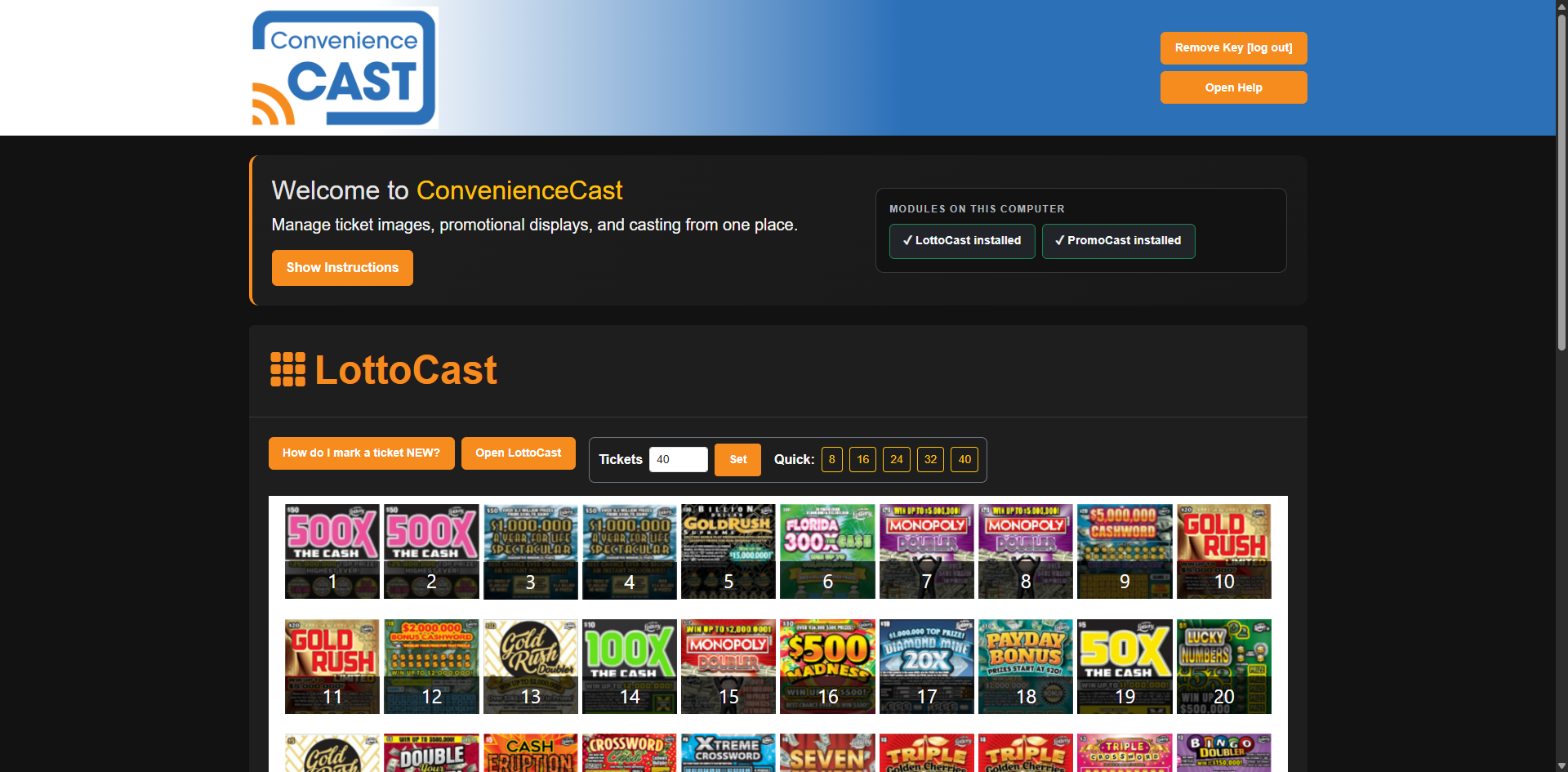
ConvenienceCast dashboard with LottoCast and PromoCast controls
8–72LottoCast ticket layouts
4–15Independent PromoCast displays
Video or ImagesFlexible promotional playlists
$0/monthOne-time software licenses

One release · Two stronger products

Built around the screens and routines your store already uses.

Version 3.1.0 focuses on practical improvements: show more, use the available TV space better, and update content with less friction.

LottoCast 3.1.0

More tickets without wasting the screen.

Choose the ticket count your store needs and let LottoCast fit the grid to the available TV space.

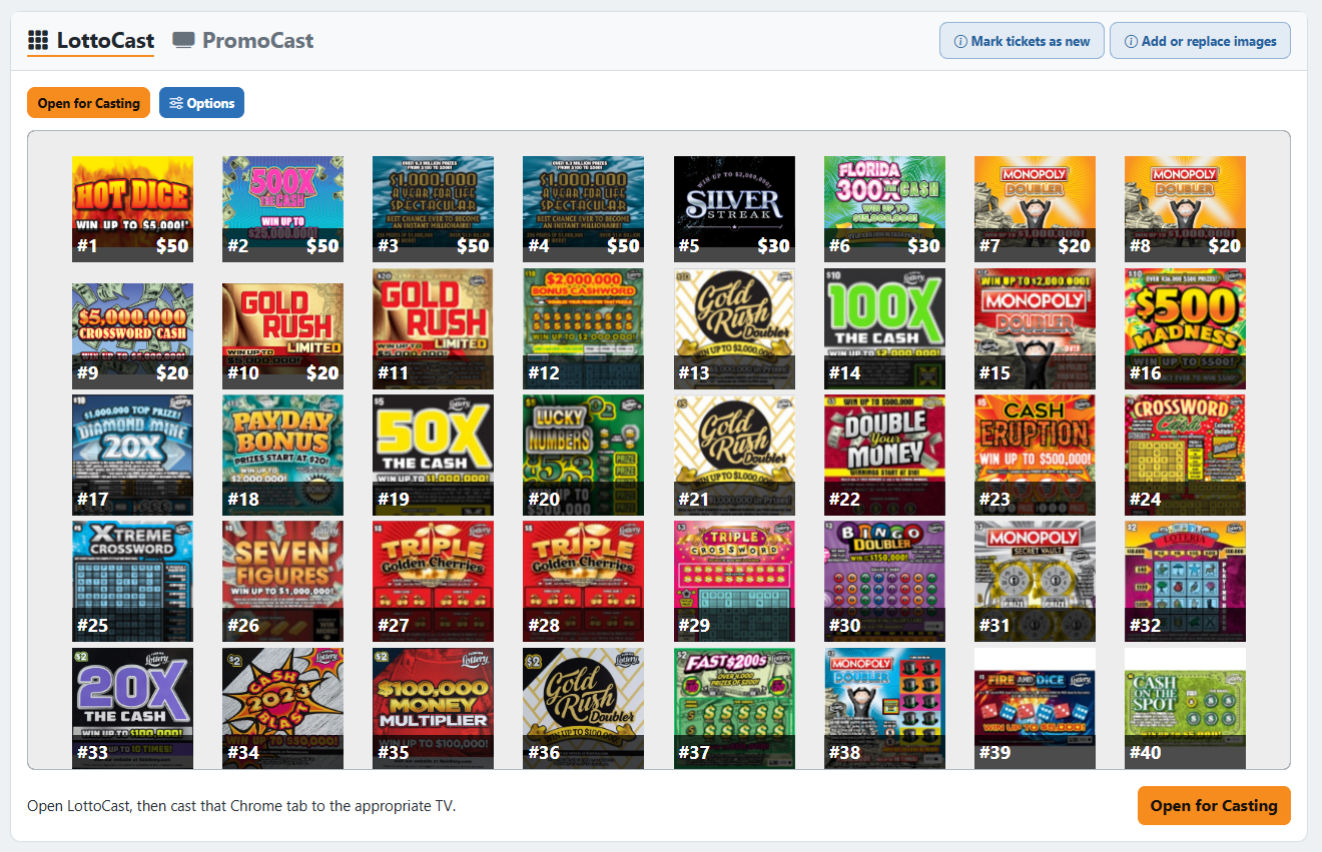
  • Display anywhere from 8 to 72 numbered scratch-off tickets.
  • Screen-aware layouts resize and balance themselves automatically.
  • Use local PNG or JPG files or an optional public HTTPS image folder.
  • Customizable display tiles keep partial rows balanced and polished.
  • Choose a Light or Charcoal casting background independently of the dashboard theme.
Explore LottoCast

PromoCast 3.1.0

Run motion when you want it. Sharp images when you don’t.

Each PromoCast display can use its own numbered video playlist or image playlist.

  • Choose Video or Image Playlists independently for each display.
  • Set how long each image stays on screen: 5, 10, 15, 20, 30, or 60 seconds.
  • Use PNG, JPG, JPEG, or WebP image artwork.
  • Start with four ready-to-use displays and expand up to 15 at no additional cost.
  • Enable local weather only on the displays where you want it.
Explore PromoCast
LottoCast controls for ticket count and display options

Designed for the television—not a specification sheet

The layout adapts before your customers ever see it.

The high-count LottoCast grid was tuned and validated on the intended 65-inch 16:9 television, helping every row use the screen with less empty space and no scrolling.

1
Choose your countUse quick presets or enter any supported count from 8 through 72.
2
Add your artworkUse familiar numbered images locally or from a compatible public HTTPS folder.
3
Open and castLaunch the display from Chrome and cast it to your compatible television setup.

Version 3.1.0 release highlights

A meaningful update, explained plainly.

This release expands what each product can show while keeping the same one-dashboard approach.

LottoCast grows from 40 to 72 tickets

New high-count presets and screen-aware sizing make the additional capacity practical on a television.

Remote ticket-image folders are now supported

Use an optional compatible public HTTPS folder while keeping automatic local-image fallback.

PNG support and customizable display tiles

Use sharper PNG ticket artwork and keep partial rows visually balanced.

PromoCast adds image playlists

Rotate crisp promotional graphics without converting every image ad into a video first.

A cleaner PromoCast control experience

Modern display controls make playback mode, timing, weather, preview, and launch actions easier to scan.

Choose the system your store needs

One-time software licenses. No monthly subscription.

Start with LottoCast or PromoCast, or put both products in one installer and one license with the ConvenienceCast Bundle.

Ticket display

LottoCast

$600

One-time license

  • 8–72 ticket layouts
  • Local or remote images
  • PNG and JPG support
Buy LottoCast

Promotional displays

PromoCast

$600

One-time license

  • Video or image playlists
  • Four displays included
  • Expandable up to 15
Buy PromoCast
Before you buy: ConvenienceCast is designed for Windows PCs using Chrome and compatible TV casting. Internet access is required for installation, activation, and periodic license verification. TVs, casting devices, ticket artwork, and customer promotional media are not included.